Experiments
Saving Experiments to a Classroom
Follow these steps to create an experiment and save it to a classroom:
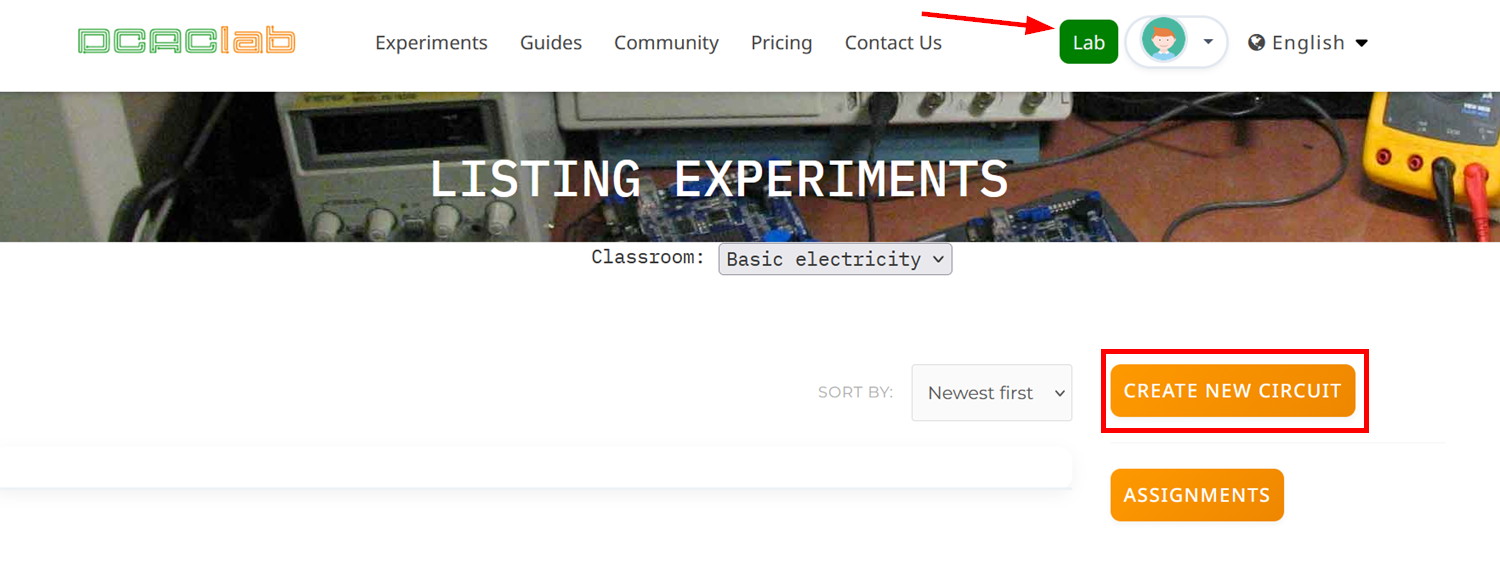
- Open the lab from your DCACLab dashboard.
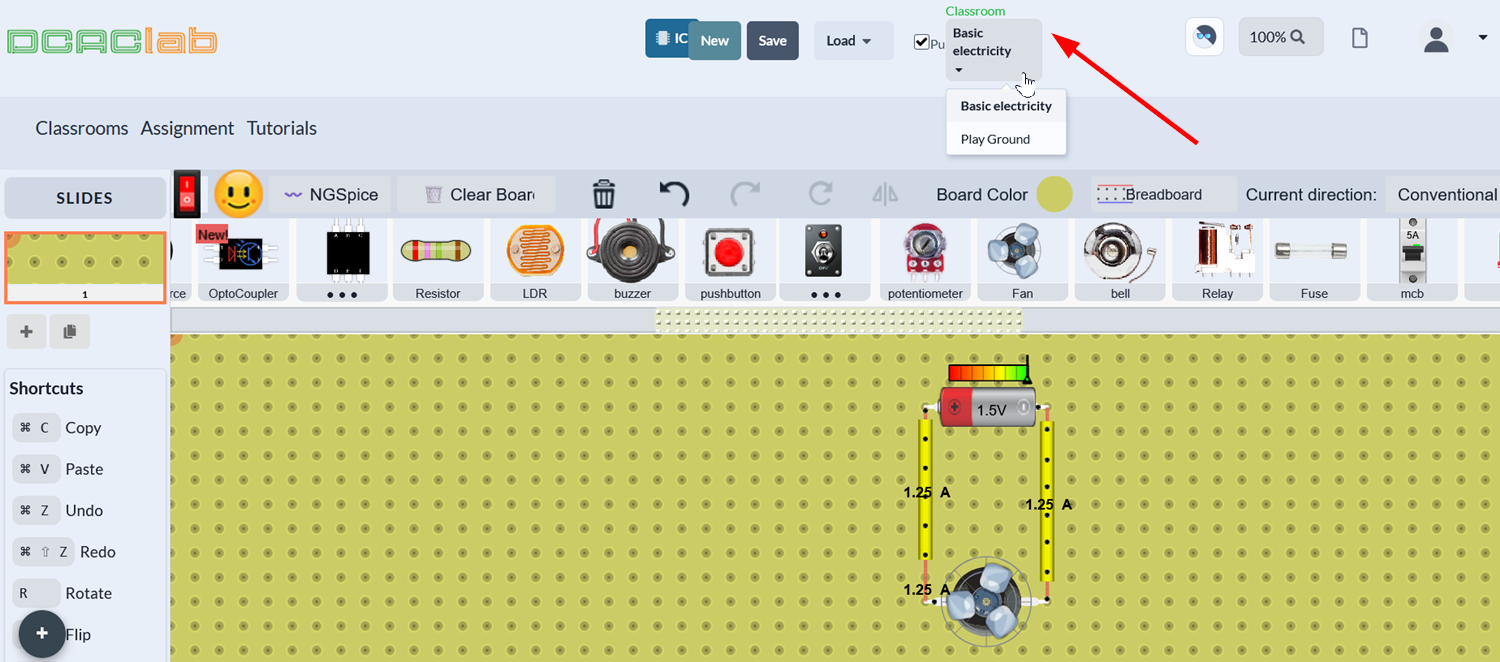
- After building your circuit, select the classroom you want to save the experiment to using the dropdown at the top of the screen.
- Click Save, name your experiment, and click Save again.
You should see a confirmation message that your experiment has been saved successfully.